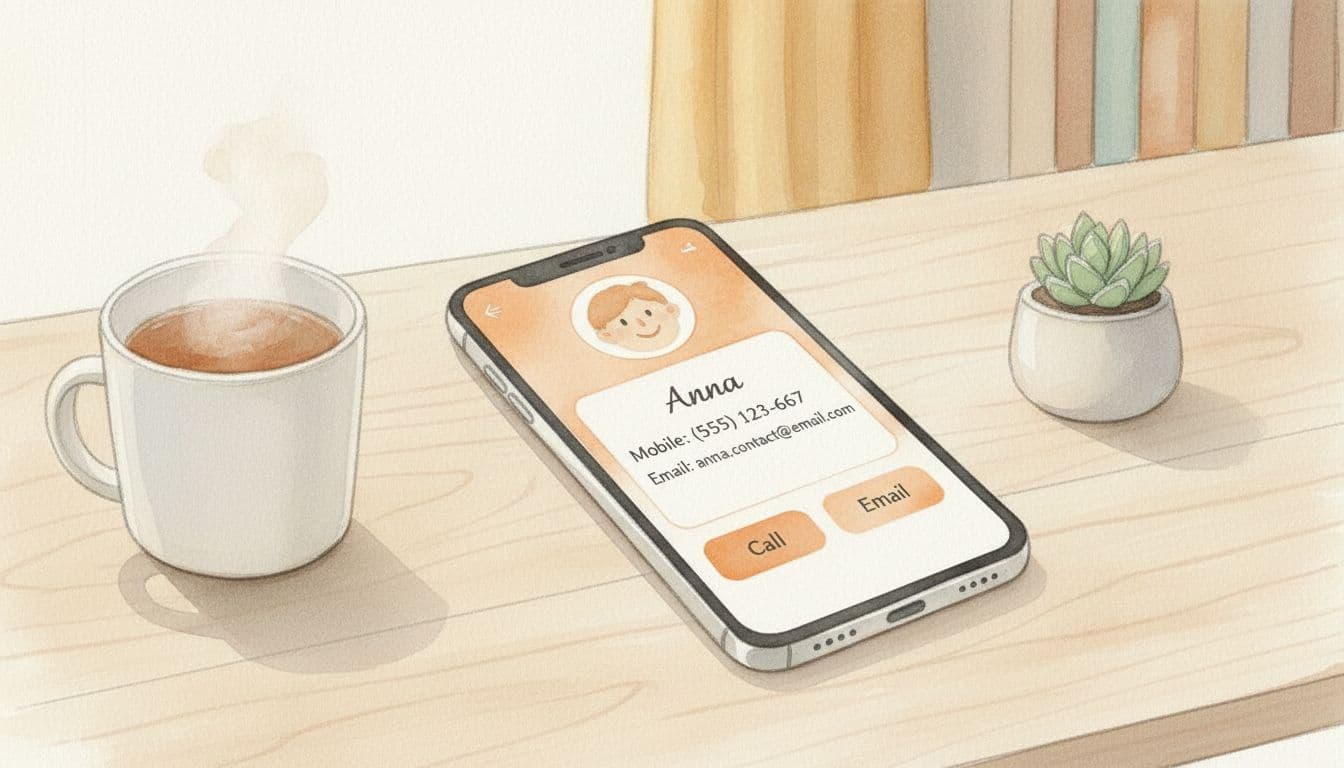
Host or Management Contact Info Visible
Give guests multiple ways to reach you without digging through apps.
SafetyCost: lowEffort: lowImpact: mediumImportance: 4/5
Why it matters
When Wi-Fi hiccups or apps glitch, a simple phone number prevents panic.
A printed contact card complements digital messaging and reassures guests that help is close.
How to implement it
- Print a double-sided contact card with phone, email, and emergency escalation instructions.
- Place cards near the welcome binder, kitchen counter, and workspace.
- Set up call forwarding so urgent calls ring both you and a co-host.
Checklist
Contact card staged in at least two rooms
FAQ
What contact details should be on the card?
Include at least a phone number, text/WhatsApp option, and email plus an emergency backup contact if you miss the first call.
How do I keep cards updated without reprinting constantly?
Print a QR code that links to a short URL—update the landing page whenever numbers change so you only reprint when the design wears out.
Ratings from hosts
Rate this upgrade
How helpful was this upgrade for your guests?
4.6
4.6 / 5 · 12 ratings